
DigiCloud Hosting
Secure, scalable, and remote-access accounting solutions. Run TallyPrime remotely from a secure cloud server with maximum data protection and 24/7 performance.

Modernizing Your Accounting Setup
Why Local Accounting Servers Fail
Relying on physical computers inside a single office to run your Tally database creates risks, maintenance overheads, and limits employee mobility.
- • High Hardware Expenses: Buying and managing office servers, configuring power backups, and handling local drive crashes.
- • No Remote Work Option: Sales reps and branch managers must travel to the main office to verify ledger records or input vouchers.
- • Data Security Risks: High vulnerability to office fires, theft, computer crashes, or ransomware attacks locking up your files.

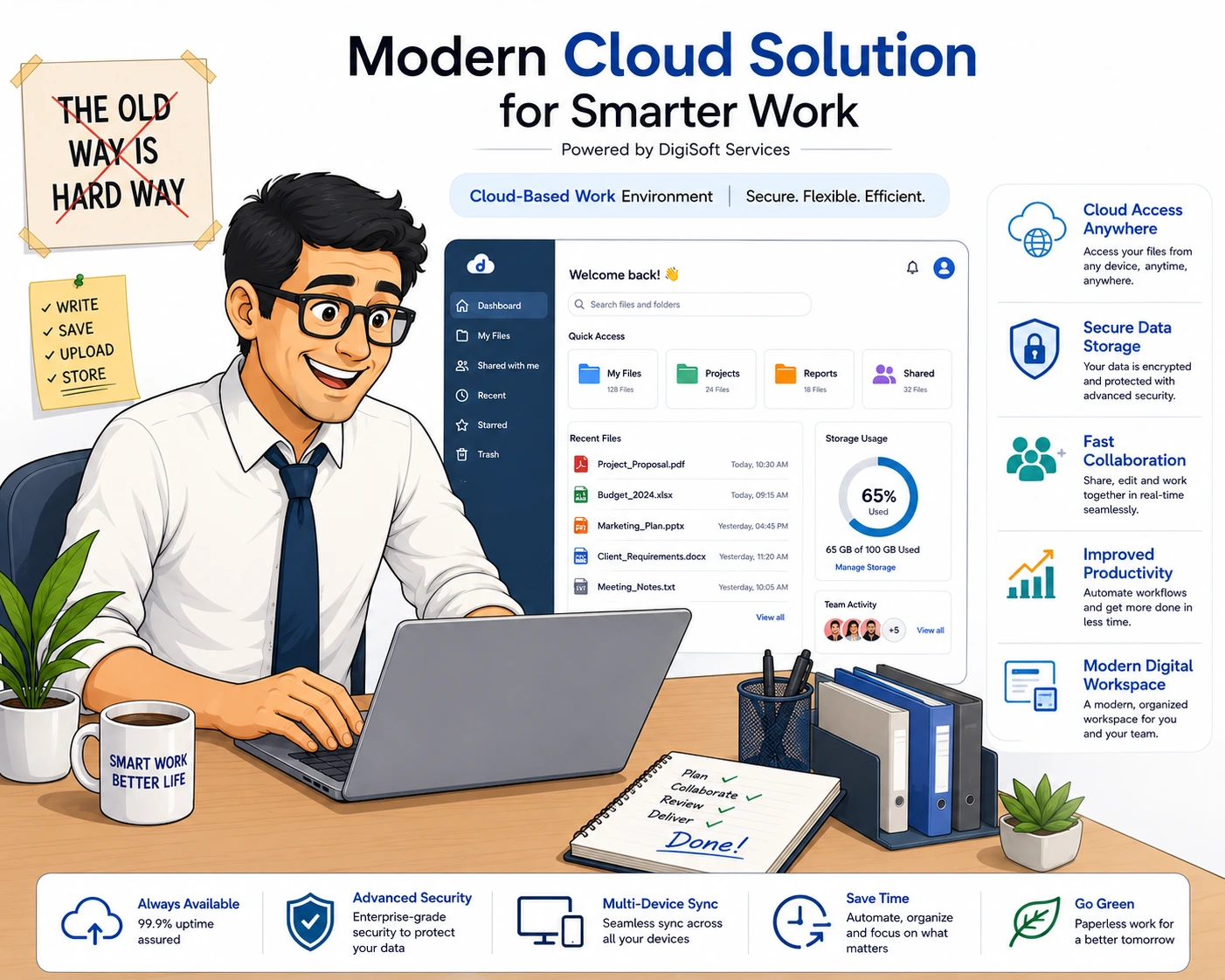
Modern Business Setup with DigiCloud
Migrating to DigiCloud moves your core accounting systems to highly secure servers, allowing your entire team to log in from anywhere with automated backups.
- • Instant Remote Connection: Log in securely from any device, including laptops, tablets, or smartphones, using a web browser.
- • Collaborative Multi-User Workspace: Multiple departments can view financial data, log sales bills, and run reports at the same time.
- • Automatic Offsite Backups: Nightly backup runs save and protect your database to secure cloud locations without human effort.
Accessible Anywhere & Everywhere
Access your vital accounting data anytime, without being bound to a single physical office location. Any device—whether it is a laptop, desktop, tablet, or smartphone—can securely access TallyPrime.
- Login from anywhere using HTML5 web clients or RDP
- Run full desktop-version capabilities on mobile phone browsers
- Zero geographical boundaries for your sales or finance teams

Multi-User Setup for Remote Teams
Transition smoothly from offline legacy systems to modern virtual workspaces. Multiple authorized personnel can simultaneously login, modify accounts, input vouchers, and generate balance sheets on the same database.
- Supports simultaneous user operations with zero performance bottleneck
- Collaborative tools designed for distributed remote or hybrid teams

Guaranteed Data Security
Each enterprise client is assigned a separate virtual machine (VM) sandbox, protecting valuable records from cross-exposure. Secure login gateways prevent unauthorized access.
- AES-256 file encryption and strict user permissions
- Firewall protection with restricted port forwarding protocols

Seamless Cloud Migration
Migrate your Tally software, voucher history, customizations (TCP files), and licensing settings from local machines to remote servers. Managed support executes migration with zero data loss or operational downtime.
- Managed IT transitions handled by skilled cloud architects
- Seamless compatibility mapping for Mac, iPad, and Linux setups

Key Benefits of Cloud Hosting
Bank-Grade Security
Enjoy separate VM isolation, restricted port-forwarding firewalls, and TLS 1.3 data transfer protocols.
99.99% Network Uptime
Fast loading multi-homed IP setups ensure your team never faces downtime or database speed lags.
Daily Snapshots & Backups
Automatic daily offsite vaults mirroring protects your account files from local disaster or accidental deletion.
Powered by
Oracle Cloud.
DigiCloud Infrastructure runs on secure Oracle Cloud Infrastructure (OCI), delivering low-latency connections, absolute data privacy, and optimized hardware configurations.
- Daily Automated Snapshots & Backups
- Localized Server Clusters (India Region)
- Complete Client Partition Isolation
- Dedicated System Resource Allocation